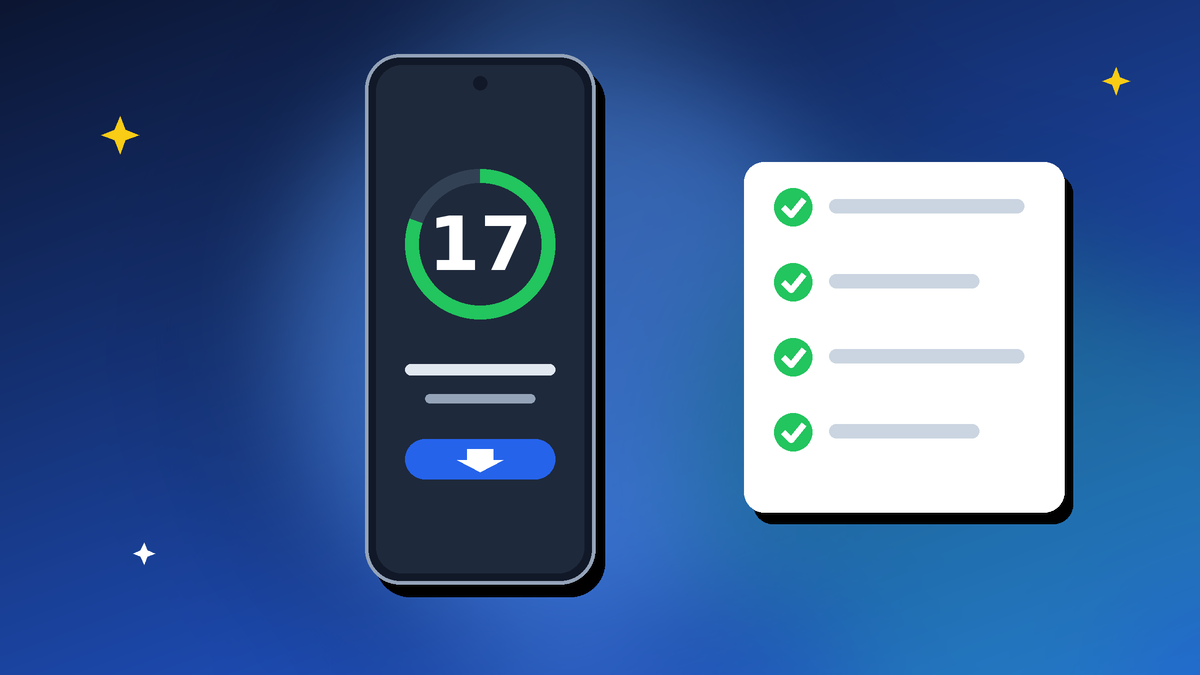
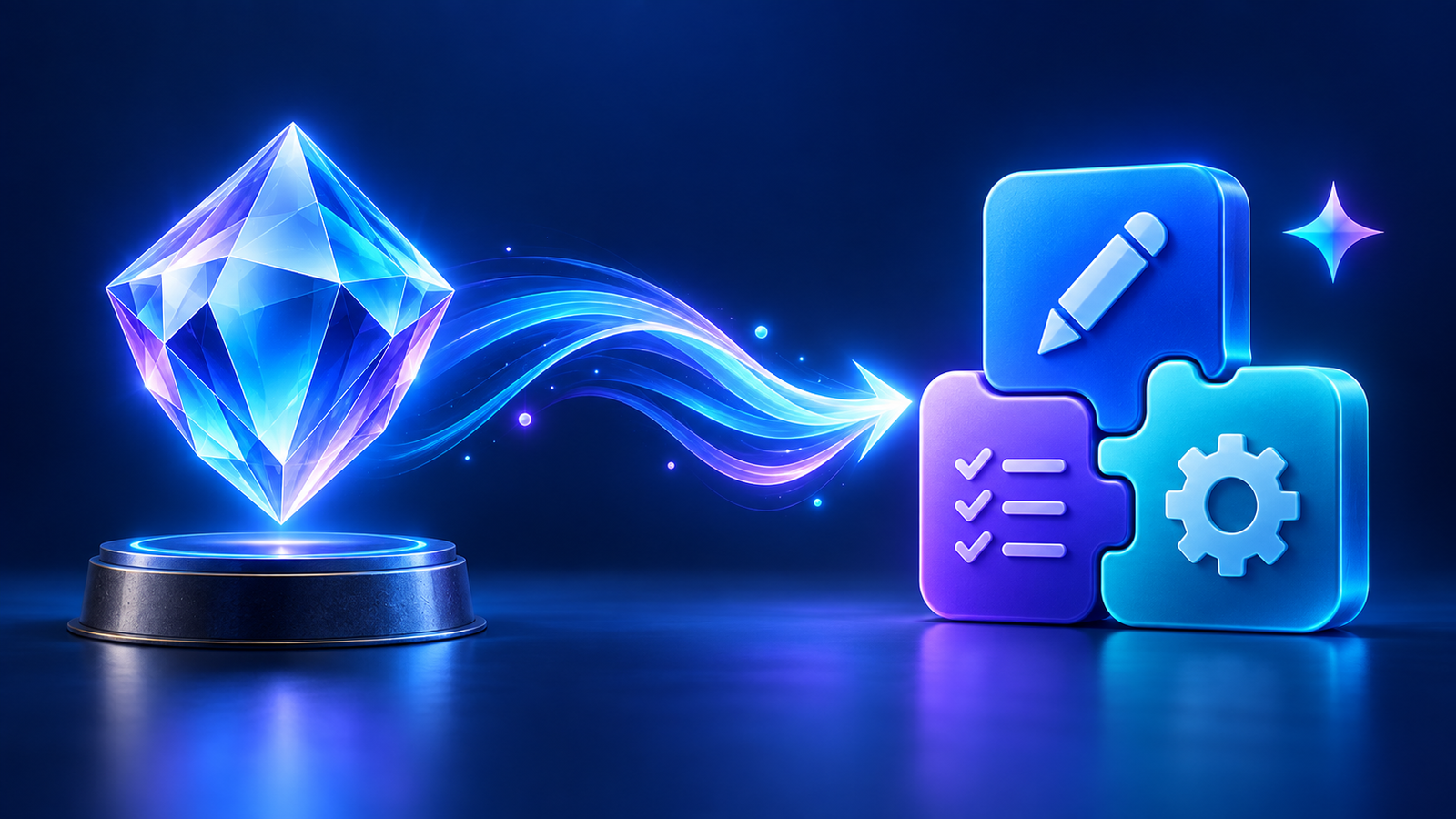
If you’ve built custom Gems in Google Gemini, a change is coming. Google is retiring Gems and replacing them with a new feature called skills.
The transition begins on 17 November 2026. The good news is that Google says it will convert your existing Gems automatically, so you won’t lose the assistants you’ve set up.
Here’s what Gemini skills are, what changes, and what you should do before and after the switch.
Quick Take
Gemini skills replace Gems as Gemini’s custom, task-specific assistants.
- Gems keep working until the transition starts on 17 November 2026
- Google will automatically convert your existing Gems into skills
- You’ll use a skill by typing “/” in a chat and picking it
- Good time to review and tidy your Gems now, and save copies of your best instructions
Checked on 2 October 2026 based on TechCrunch’s report of Google’s in-app announcement. Google hasn’t published full details yet, including pricing and regional availability, so check the Gemini app for the latest information.
Table of Contents
What Were Gemini Gems?
Gems let you create your own customised version of Gemini for a specific job. You gave a Gem instructions once, such as “act as my writing editor and keep my tone” or “help me plan healthy weekly meals”, and it followed them every time you used it.
That saved you from repeating the same instructions in every chat. Gems had their own section in the Gemini app, making them easy to find.
What Are Gemini Skills?
Gemini skills are the next version of Gems: custom assistants set up for particular tasks. The main visible difference is how you use them.
Instead of opening a Gem from its own section, you’ll type a forward slash “/” in a chat and choose the skill you want. That makes it quicker to switch skills mid-conversation, though some reports note the slash command may feel less obvious to non-technical users at first.
The idea is similar to custom assistants in other AI tools, and to the direction AI is heading with AI agents that handle specific jobs for you.
Gems vs Gemini Skills: What Changes
- Name: Gems become skills
- How you open them: from a Gems section before; by typing “/” in a chat after the change
- Your existing Gems: converted automatically by Google
- Timing: Gems work as normal until the transition starts on 17 November 2026
- Still unknown: pricing, plan limits, and exact feature differences, which Google hasn’t detailed yet
What Happens to Your Existing Gems?
According to the announcement, you don’t need to do anything. Google will convert your Gems into Gemini skills automatically when the transition begins.
Even so, it’s sensible to keep your own copy of anything important. Automatic migrations usually work well, but having a backup costs nothing.
What to Do Before 17 November
- List your Gems. Open the Gems section and note which ones you actually use.
- Copy your best instructions. Paste each Gem’s instructions into a notes app or document as a backup.
- Delete Gems you no longer use so your skills list starts clean.
- Rename unclear Gems. Short, descriptive names will be easier to pick from the “/” menu, for example “Email editor” or “Trip planner”.
- Improve weak instructions. This is a good moment to rewrite vague Gems so they give better results.
How to Use Gemini Skills After the Switch
- Open the Gemini app or website and start a chat.
- Type / in the message box.
- Pick the skill you want from the list.
- Type your request as usual. The skill applies its saved instructions automatically.
After the transition, open a few of your converted skills and test them with a typical request to check they still behave as expected.
Tips to Write Better Gemini Skills
A skill is only as good as its instructions. The same rules that make strong prompts apply here:
- Give it a clear role and goal: “You are my email editor. Make my emails clearer and more polite.”
- Add context: who you are, who the output is for and your preferred tone
- Set the format: length, bullet points or a table, and language such as English or Hindi
- Include an example of a good result when style matters
- Say what to avoid: jargon, long paragraphs or made-up facts
For a full framework, read our guide on how to write better AI prompts.
Example skill instructions
You are my email assistant. Rewrite my draft emails to be clear, polite and under 120 words. Keep my tone friendly but professional. Use Indian English spelling. Don’t add information I didn’t include.
Is This a Good Change?
Mostly, yes. Automatic migration means no lost work, and calling a skill with “/” is faster once you’re used to it, especially if you switch between several assistants in one chat.
The trade-off is discoverability. A dedicated Gems section was easier for casual users to find than a slash command. If you’re new to AI assistants, compare options in our ChatGPT vs Gemini guide.
Aadyanix Verdict: Get Ready for Gemini Skills
You don’t need to panic or rebuild anything. Google says your Gems will become Gemini skills automatically from 17 November 2026.
Use the next few weeks to tidy up: back up your best instructions, delete Gems you don’t use and give the rest clear names. After the switch, test your skills with a real task.
Done well, Gemini skills can save you real time every week. Our guide on how to use AI to save hours every week has ideas for skills worth creating.
Gemini skills: Frequently Asked Questions
When are Gems being replaced by Gemini skills?
The transition starts on 17 November 2026. Gems continue to work until then.
Will I lose my Gems?
Google says it will convert existing Gems into skills automatically. Keeping your own copy of important instructions is still a good idea.
How do I use a Gemini skill?
Type “/” in a Gemini chat and choose the skill from the list.
Are Gemini skills free?
Google hasn’t confirmed pricing or plan details yet. Check the Gemini app for updates closer to the transition.
Can I create new skills?
Google hasn’t yet published full details on creating new skills. Check the Gemini app as the rollout begins; until then, you can keep creating Gems, which will be converted.