
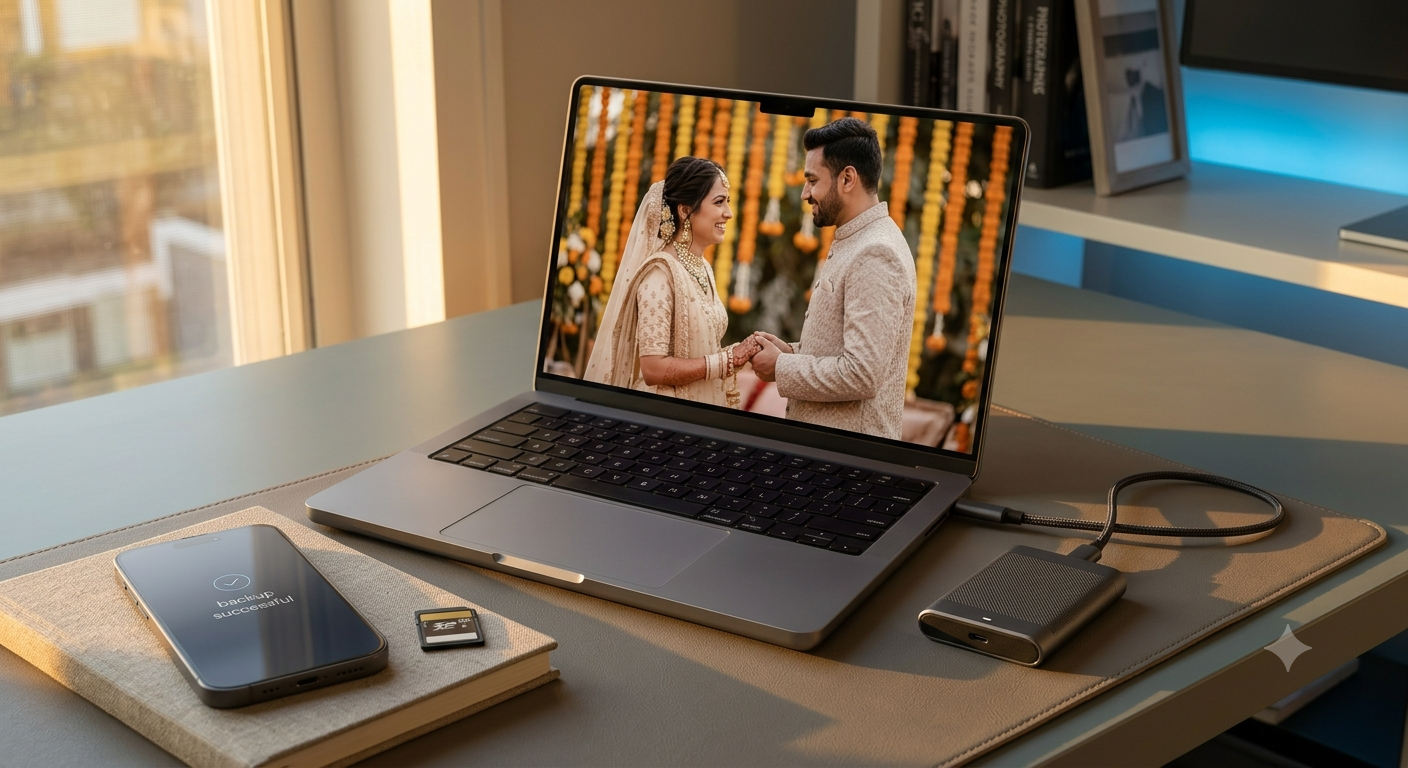
A wedding produces thousands of photos and hours of video, spread across the photographer’s drives, guests’ phones and family WhatsApp groups. A few months later, someone’s phone breaks, a pen drive goes missing or a cloud account runs out of space, and precious memories are gone.
In this guide, I explain how to back up wedding photos and videos the right way, using the simple 3-2-1 rule, the best storage options in India and practical tips for collecting and sharing everyone’s pictures.
Quick Take
In short:
- Follow the 3-2-1 rule: 3 copies, on 2 types of storage, with 1 kept elsewhere
- Ask the photographer for original files, not just WhatsApp-compressed versions
- Use cloud storage plus an external drive
- Collect guests’ photos in one shared album
- Check your backups once or twice a year
Table of Contents
Why Wedding Photos Get Lost
- Only one copy: everything sits on a single pen drive or phone
- Compressed copies: photos shared on WhatsApp lose quality, and the originals get deleted
- Full cloud storage: free plans fill up quickly with large videos
- Old drives fail: hard drives, memory cards and DVDs don’t last forever
Learning how to back up wedding photos properly prevents all of these problems.
The 3-2-1 Backup Rule, Explained Simply
| Rule | What it means for your wedding photos |
|---|---|
| 3 copies | The original plus two backups |
| 2 types of storage | For example, cloud storage and an external hard drive or SSD |
| 1 copy elsewhere | Keep one copy outside your home, such as in the cloud or with a family member |
If one copy is lost, stolen or damaged, you’ll still have the others.
Step 1: Get the Original Files
Before you back up wedding photos, make sure you have the best-quality versions:
- Ask your photographer for full-resolution photos and videos, not just an edited album or online gallery
- Ask them to share files on a drive or through a download link, and download them promptly; links often expire
- Check that everything is there before the photographer deletes their copy
- Keep both edited and raw files if they provide them
Step 2: Choose Your Storage
| Option | Pros | Cons |
|---|---|---|
| Google Photos / Google One | Easy, works on Android and iPhone, shareable | Free storage is limited and shared with Gmail and Drive |
| iCloud Photos | Seamless for iPhone users | Limited free storage |
| External SSD | Fast, compact, more durable than hard drives | Costs more per GB |
| External hard drive | Cheap for large video collections | Can fail if dropped |
For most families, the best way to back up wedding photos is one cloud service plus one external drive, with another copy kept with a family member.
Step 3: Collect Everyone’s Photos in One Place
- Create a shared album in Google Photos or iCloud and share the link with guests
- Ask guests to upload original photos instead of forwarding them on WhatsApp
- If WhatsApp is the only option, ask people to send photos as documents, which keeps better quality. Our guide to sharing files between Android and iPhone has more options
- Use a QR code card at the reception that links to the shared album
Step 4: Organise Your Files
Create clear folders by event, such as Haldi, Mehendi, Sangeet, Wedding and Reception, and name them with dates. Keep edited photos, raw files and videos in separate subfolders. A little organisation makes it much easier to find and share photos years later.
Step 5: Check Your Backups Regularly
It’s not enough to back up wedding photos once. Keep them safe over time:
- Open a few files from each backup once or twice a year to make sure they still work
- Copy files to a new drive every few years, before the old one ages
- Renew cloud storage plans on time so files aren’t at risk
- Keep a note of where each copy is stored
Sharing Photos With Family
Once you back up wedding photos, share a view-only cloud album link with relatives rather than sending hundreds of files on WhatsApp. For elderly family members, consider printing a small album; it’s the most reliable backup of all.
Taking more photos at family events? See our phone photography tips for better shots in low light.
Aadyanix Verdict: One Afternoon to Protect a Lifetime of Memories
It only takes an afternoon to back up wedding photos and videos properly: get the original files, store them in the cloud and on an external drive, keep a third copy with family and check them occasionally.
Your wedding memories are irreplaceable. Don’t leave them on a single pen drive.
In our family, every wedding and festival album goes into a shared Google Photos album, and once a year I copy everything to an external drive that stays at my parents’ home. It’s simple, and it has never failed us.
Wedding Photo Backup: Frequently Asked Questions
What is the best way to back up wedding photos?
Follow the 3-2-1 rule: keep three copies on two types of storage, with one copy stored outside your home, such as in the cloud.
How often should I back up wedding photos?
Back up as soon as you receive files from the photographer and guests, then check your backups once or twice a year.
Is Google Photos safe for storing wedding photos?
It’s a convenient option, but don’t rely on it alone. Keep a second copy on an external drive.
Do WhatsApp photos lose quality?
Usually, yes, because photos are compressed. Ask guests to share originals or send photos as documents.
How long do external hard drives last?
It varies, so check your drives regularly and copy files to a new drive every few years.
Should I ask the photographer for raw files?
Ask for full-resolution edited files at least, and raw files if they’re willing to share them.
Need help setting up a backup? Get in touch and I’ll be happy to help.