Buying clothes online always comes with a gamble: will it actually look good on you?
OpenAI’s new ChatGPT virtual try-on feature aims to reduce that guesswork. Announced globally on 1 October 2026, it lets you upload your photo and see how clothes and accessories might look on you, right inside ChatGPT.
Here’s how it works, how to use it, where it helps, and what to think about before uploading your photo.
Quick Take
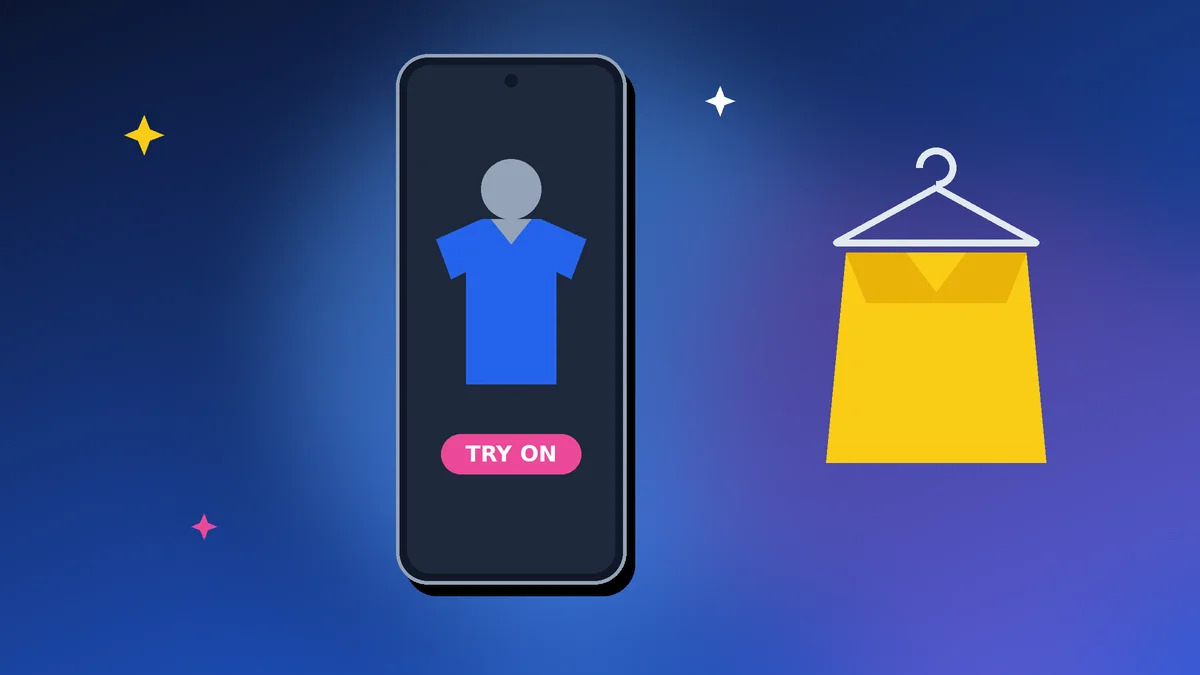
ChatGPT virtual try-on shows how clothes and accessories could look on you using your own photo.
- Upload a selfie or full-body photo, then tap Try On on a product
- You can also upload a product image and ask ChatGPT to try it on you
- Save items to Favorites to compare later
- Treat results as a preview, not a guarantee of fit or colour
- Think about privacy before uploading full-body photos
Checked on 4 October 2026, based on TechCrunch’s report of OpenAI’s announcement. OpenAI hasn’t detailed availability by country or plan, so check your ChatGPT app.
Table of Contents
What Is ChatGPT virtual try-on?
ChatGPT virtual try-on is a shopping feature that uses OpenAI’s new ChatGPT Images 2.5 model to place clothing or accessories onto a photo of you. OpenAI says the model produces more natural lighting and richer textures, and follows editing instructions more reliably.
It’s part of ChatGPT’s wider shopping features, which also let you describe a style you want and get product suggestions.
It isn’t the first tool of its kind; Google launched a virtual try-on feature last year. But with ChatGPT’s large user base, it could bring the idea to many more shoppers.
How to Use ChatGPT virtual try-on
- Open ChatGPT and ask for clothing suggestions, such as “show me navy kurtas for a Diwali party under ₹3,000”.
- Upload a clear selfie or full-body photo when prompted.
- Tap the Try On button on a product in the shopping results.
- Review the image. Ask for changes, such as a different colour or angle.
- Save items you like to Favorites; your try-on images are stored alongside them.
Trying on a product from another website
You can also upload a photo of a product, such as a screenshot from a shopping site, and ask ChatGPT to show it on you.
Finding a look you’ve seen
Upload a photo of an outfit you like and ask ChatGPT to find similar items you can buy.
Tips for Better Try-On Results
- Use a well-lit photo in front of a plain background
- Stand straight, facing the camera, in fitted clothes
- Use a full-body photo for dresses, trousers and outerwear
- Be specific in your requests, such as “show the dupatta draped over the left shoulder”
- Compare a few options side by side before deciding
Clear instructions make a big difference. See our guide on how to write better AI prompts.
What ChatGPT virtual try-on Can’t Tell You
An AI image is a preview, not a fitting room. It can’t reliably show:
- Exact fit: how tight, loose or long a garment will be on your body
- Fabric feel and how it drapes or moves
- True colour: screens and AI lighting can change how colours look
- Sizing differences between brands
Always check the size chart, fabric details, reviews and return policy before buying. During festive sales, also compare prices carefully; our guide to spotting real festive sale deals helps.
Privacy: Think Before You Upload Your Photo
Virtual try-on works best with clear full-body photos, which are personal data. OpenAI’s announcement didn’t detail how try-on photos are stored or used, so take sensible precautions:
- Use a photo you’re comfortable sharing, with modest clothing and a neutral background
- Avoid photos showing other people, children, your home address or documents
- Check ChatGPT’s Data controls settings to manage whether chats are used to improve models
- Delete chats and saved images you no longer need
Our guide to protecting your online privacy covers more ways to limit what you share online.
Is ChatGPT virtual try-on Useful?
- Yes for narrowing down styles and colours quickly
- Yes for picturing outfits for events like weddings or Diwali
- Less useful for judging exact fit and fabric
- Not a replacement for size charts, reviews and easy returns
It’s another example of AI tools taking on everyday tasks, a trend we explain in our guide to AI agents.
Aadyanix Verdict: Try It, but Shop Smart
ChatGPT virtual try-on is a fun and genuinely useful way to narrow down outfits before you buy. It can save time, and possibly a few returns.
But treat it as a preview. Check sizing, fabric and return policies, and be thoughtful about the photos you upload.
ChatGPT virtual try-on: Frequently Asked Questions
Is ChatGPT virtual try-on available in India?
OpenAI announced a global rollout on 1 October 2026 but didn’t list specific countries. Check the ChatGPT app to see if it’s available to you.
Is it free?
OpenAI hasn’t detailed plan-specific limits. Check your ChatGPT app for availability on your plan.
What photo should I upload?
A clear, well-lit selfie or full-body photo with a plain background works best.
How accurate is it?
It gives a visual preview, but it can’t guarantee fit, fabric or exact colour. Always check the size chart and return policy.
Is it safe to upload my photo?
Use a photo you’re comfortable sharing, avoid sensitive details, and review ChatGPT’s data controls and privacy settings.